How to Boost Mobile Speaker Volume Without Going to a Shop
Is your mobile speaker volume too low? Do you feel like your
phone’s sound is weak when you play music, watch videos, or receive calls?
The good news is that you can boost mobile speaker volume at home
without visiting any repair shop or technician. In this guide, you’ll learn
simple, safe, and practical methods to increase your phone’s sound using
settings, apps, and basic cleaning techniques.
dust, software settings, or weak audio. If your speaker is physically damaged,
only a professional repair or replacement will fix it.
Table of Contents
- Why Is Your Mobile Speaker Volume Low?
- 1. Check Basic Volume and Sound Settings
- 2. Clean the Speaker Grill Safely
- 3. Use Trusted Sound Booster Apps
- 4. Adjust Equalizer Settings for Better Sound
- 5. Use Surfaces to Naturally Increase Volume
- 6. Update Your Software and Clear Cache
- What You Should Never Do with Your Speaker
- Frequently Asked Questions (FAQ)
- Conclusion
Why Is Your Mobile Speaker Volume Low?
Before you try to increase phone sound, it’s important to
understand why the volume feels low. Some common reasons include:
- Dust or dirt blocking the speaker grill.
- Volume not set to maximum for media or calls.
- Sound settings like Do Not Disturb or Silent mode enabled.
- Bad-quality audio files or low-volume videos.
- Outdated software or buggy system updates.
- Physical damage to the speaker due to water or dropping.
In most cases, simple settings changes and cleaning can
boost mobile speaker volume without going to a shop.
1. Check Basic Volume and Sound Settings
This sounds obvious, but many people forget to check all volume sliders.
Modern phones have separate volume levels for media, ringtones, and calls.
Steps to increase phone sound from settings (Android):
- Open Settings > Sound & vibration.
- Increase Media volume to maximum.
- Also increase Ring and Alarm volume.
- Turn off Do Not Disturb if it is enabled.
On iPhone (iOS):
- Go to Settings > Sounds & Haptics.
- Drag the slider under Ringer and Alerts to the right.
- Make sure the silent switch on the side of your iPhone is turned off.
Once these are set, play a song or video and check if the
mobile speaker volume has improved.
2. Clean the Speaker Grill Safely
Dust and lint are one of the biggest reasons for
mobile speaker low volume problems. Over time, tiny particles
block the small holes of the speaker grill and reduce sound output.
How to clean your mobile speaker at home:
- Turn off your phone completely.
- Use a soft, dry brush (like a clean toothbrush or makeup brush).
- Gently brush the speaker grill area to remove dust.
- You can also use a can of compressed air (from a safe distance).
- Wipe the area with a soft microfiber cloth.
inside the speaker grill. This can permanently damage the speaker.
After cleaning, test the audio again. Many users notice a big improvement
in speaker volume just by removing dust.
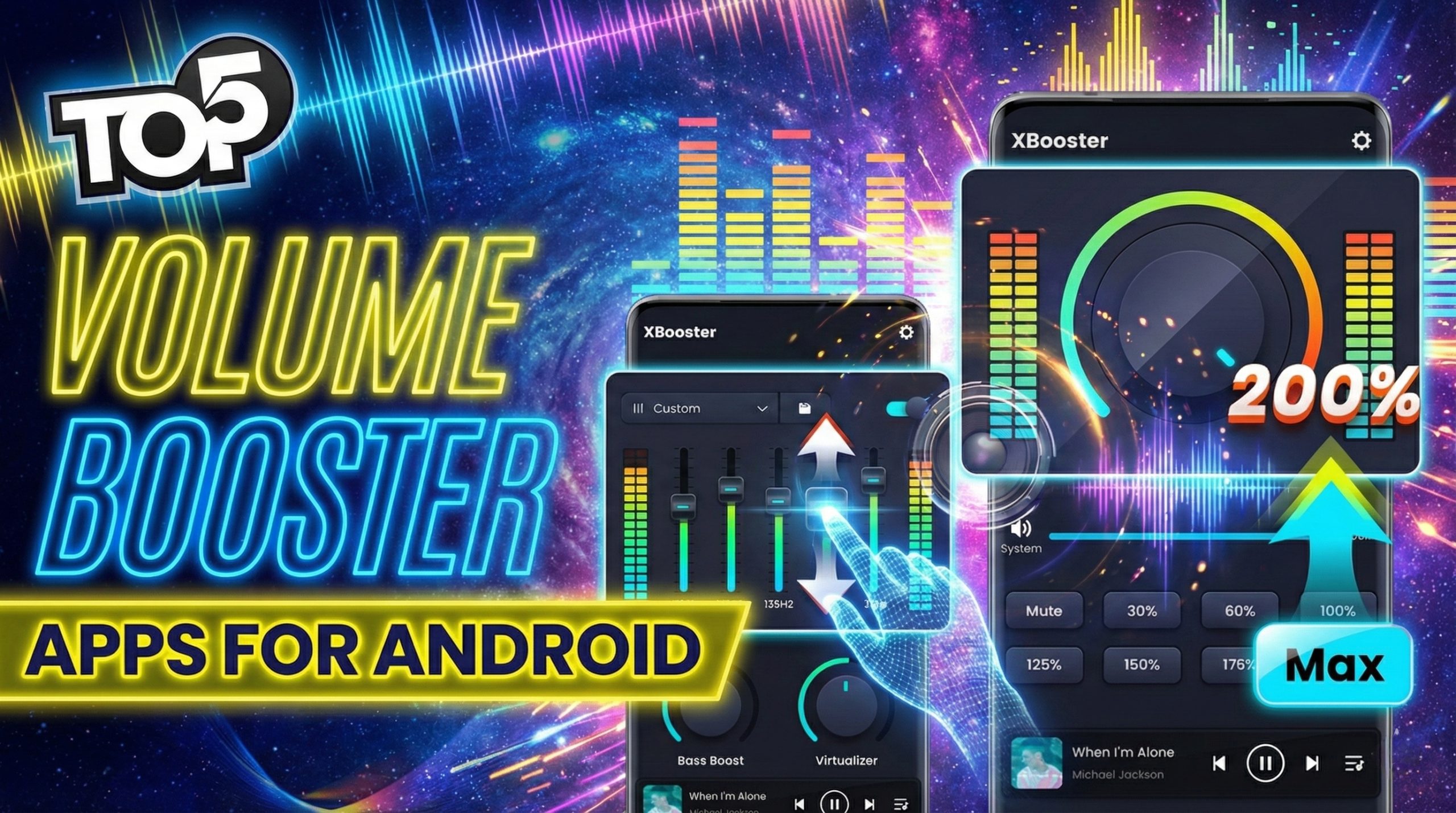
3. Use Trusted Sound Booster Apps
If your phone’s hardware is fine but the sound is still low, you can use
trusted volume booster or equalizer apps from
the Google Play Store or App Store. These apps can give you a slight boost
in volume by optimizing audio output.
Tips for choosing a safe sound booster app:
- Only download apps with high ratings and many reviews.
- Read reviews to check if users faced any problems like distortion or crashes.
- Avoid apps that ask for unnecessary permissions (like contacts or SMS).
- Uninstall immediately if the sound becomes distorted or your phone overheats.
For more information on how audio enhancements work technically, you can read
detailed guides on reputable tech websites like
Android Authority
or
How-To Geek.
4. Adjust Equalizer Settings for Better Sound
Many mobile phones come with built-in equalizer options that
allow you to adjust bass, treble, and overall audio profile. Tweaking these
settings can make your speaker seem louder and clearer.
How to adjust equalizer (general steps):
- Open Settings > Sound or Audio.
- Look for Equalizer or Sound effects.
- Choose presets like Loudness, Outdoor, or Boost if available.
- You can manually increase mid and high frequencies to make voices clearer.
Some music apps like Spotify and YouTube Music also have in-app equalizers,
which you can adjust to increase phone sound for media playback.
5. Use Surfaces to Naturally Increase Volume
One of the easiest tricks to boost mobile speaker volume without any app
is to use your environment smartly.
Tricks to make your phone sound louder:
- Place your phone on a wooden table instead of a soft bed or sofa.
- Keep the speaker side open and not covered by your hand or case.
- Lean your phone against a wall or in a corner; the sound will reflect and feel louder.
- Put your phone in an empty bowl or cup (speaker facing down) to naturally amplify sound.
These small hacks don’t change your phone’s hardware, but they can noticeably
improve the perceived loudness.
6. Update Your Software and Clear Cache
Sometimes, software bugs can cause random sound issues on mobile.
Keeping your phone updated and clearing system cache can help.
Steps to try:
- Go to Settings > System update and install any pending updates.
- Restart your phone after the update.
- Clear cache of media apps like YouTube, music players, or video players.
After restarting, play some high-quality music or video and check if the
mobile speaker volume feels better.
What You Should Never Do with Your Mobile Speaker
While trying to boost mobile speaker volume, many people
accidentally damage their phone. Avoid these mistakes:
- Do not install suspicious or unknown volume booster apps.
- Do not poke the speaker holes with pins, needles, or toothpicks.
- Do not pour cleaning liquid, alcohol, or water into the speaker area.
- Do not play distorted sound at 100% volume for very long periods; it can damage the speaker over time.
If none of the safe methods work, your speaker may have a hardware fault and
you will eventually need to visit a professional repair shop.
Frequently Asked Questions (FAQ)
1. Can I really boost mobile speaker volume without going to a shop?
Yes, if your problem is caused by dust, software settings, or weak audio,
then cleaning the speaker, adjusting volume and equalizer, and using safe
booster apps can help. Hardware damage, however, needs a technician.
2. Are volume booster apps safe for my phone?
Most popular apps from trusted developers are safe if used carefully.
Avoid setting the boost too high, and uninstall any app that causes
distortion, heating, or lag.
3. Why is my speaker still low after all these steps?
If you have tried all the methods in this guide and your
mobile speaker volume is still very low or there is no
sound at all, it is likely that your speaker is physically damaged.
In that case, only a professional repair or replacement will fix it.
4. Will these tricks work on both Android and iPhone?
Yes, general tips like cleaning, using surfaces, adjusting equalizer, and
updating software work for both Android and iOS devices. Some settings
names may be slightly different, but the concept is the same.
Conclusion
You don’t always need to visit a mobile shop when your phone’s sound feels too low.
By following the simple steps in this guide—checking settings, cleaning the speaker,
using trusted booster apps, adjusting the equalizer, and using surfaces smartly—you
can easily boost mobile speaker volume at home.
Use these methods carefully and avoid risky tricks that can damage your phone.
If nothing works after trying all safe solutions, then it’s time to visit a
professional technician for a proper hardware check.
If you found this guide helpful, share it with friends and family who are facing
mobile speaker low volume issues so they can fix it without
spending extra money at a shop.